
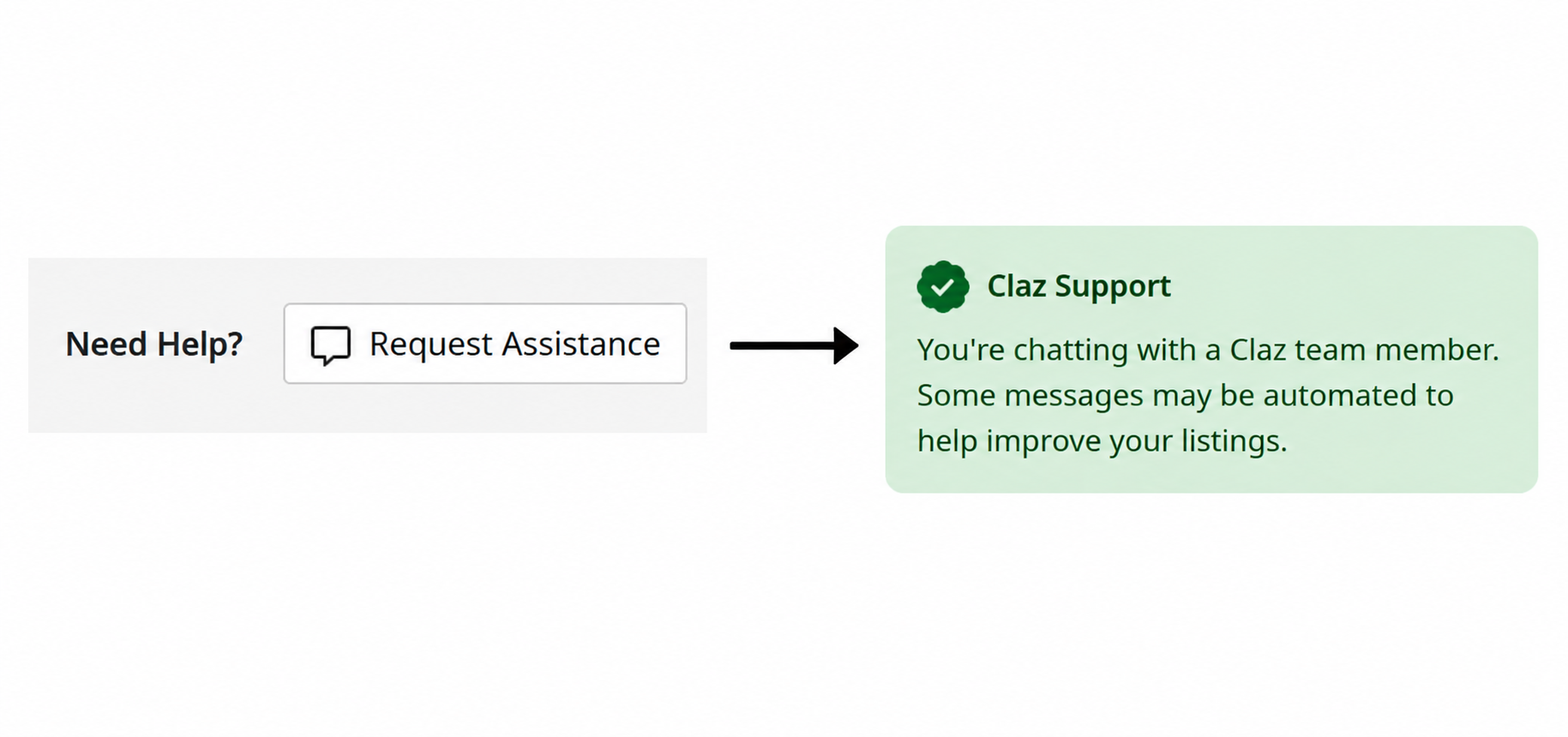
Request help is a new feature on the listing details page. Next time you run into an issue, give it a go.
The assistant does what it can to help you with your listing. It has all of the needed context and tools to help you with most issues. It will forward the request to a human support person if it’s unable to help or if you need to talk to a person.
How to use it
1. Go to your listing’s details page.
2. Click Need Help → Request Assistance.
3. A conversation opens. The assistant handles most things right away and forwards to a person if it can’t handle it.
Feedback
Let us know how we can make it better!

 Claz Blog