
For anyone who posts on Claz regularly, My Listings is where ads get paused, status gets checked, or an edit starts. That page was rebuilt to feel closer to My Favorites – visual cards instead of a dense table, especially on a phone.

What we did
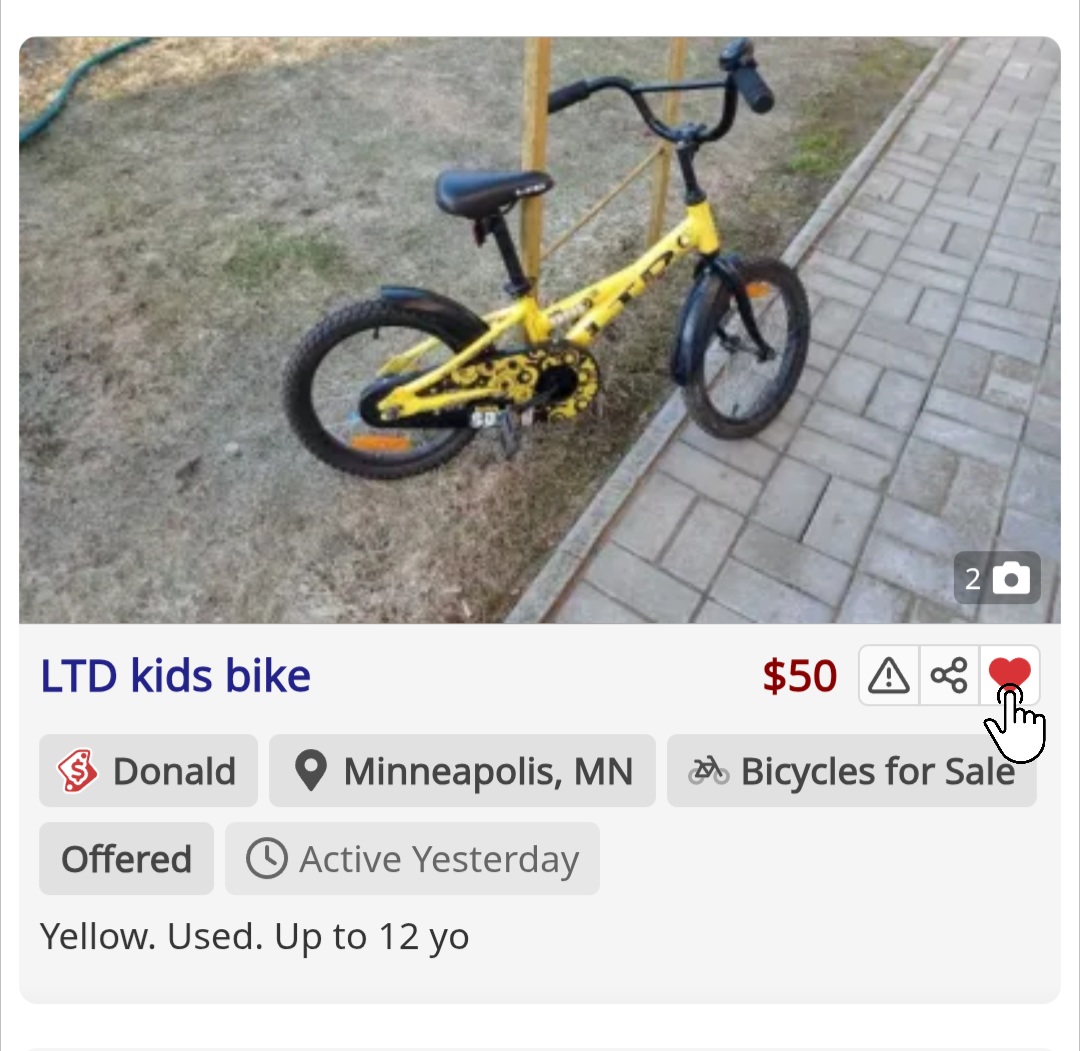
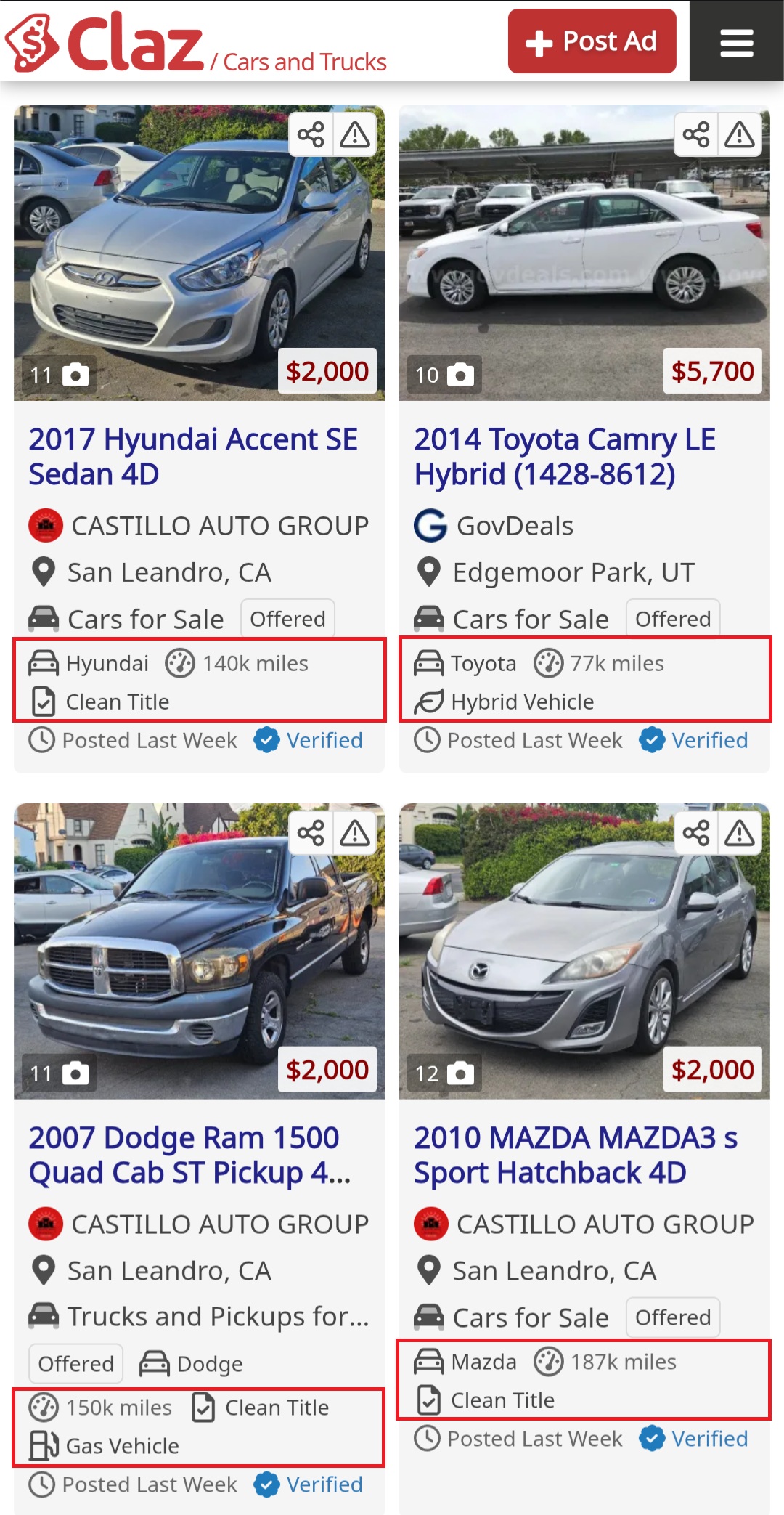
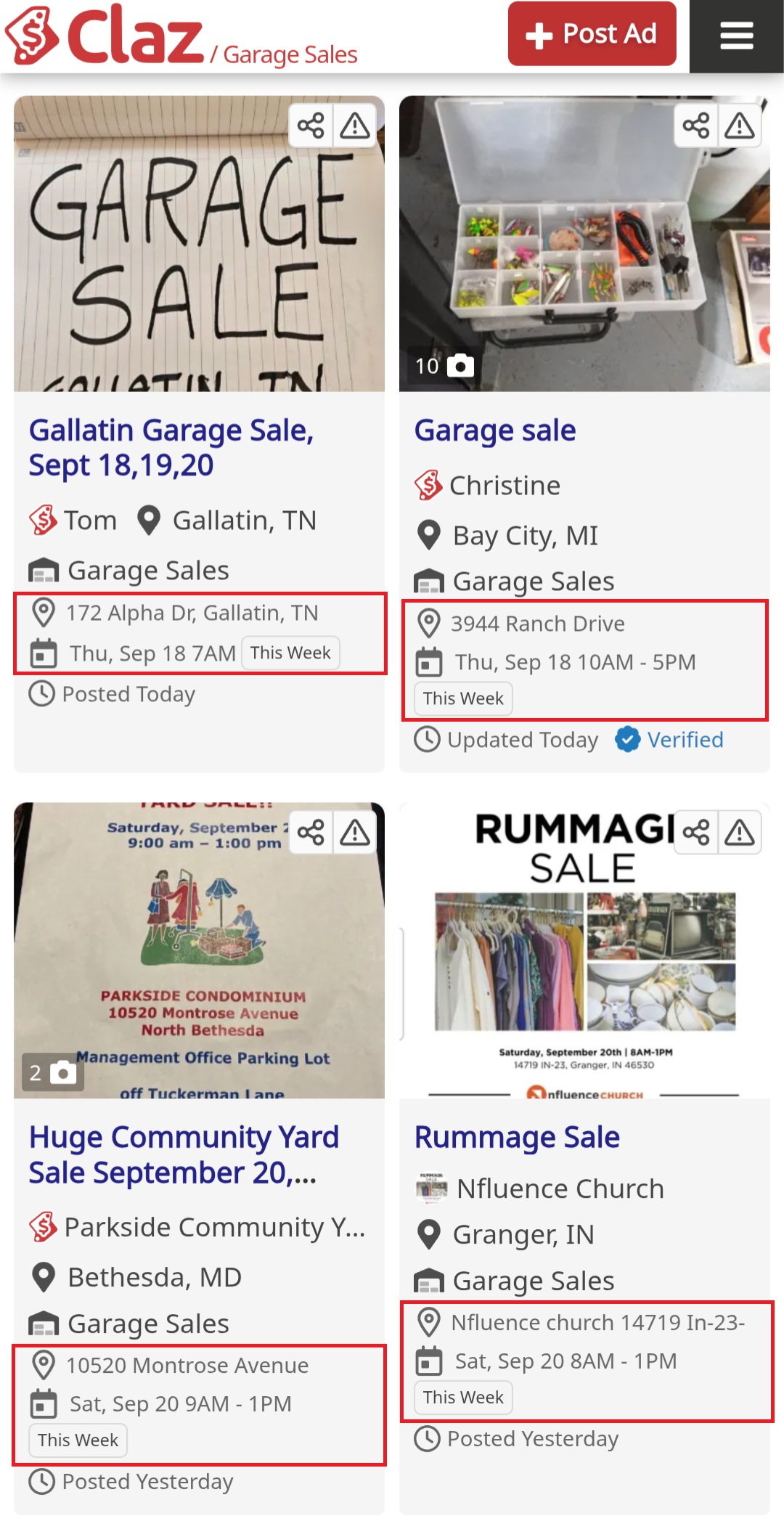
– Card layout with photo, price, and status on each listing
– Keyword filter to find a specific ad in a long list
– Rich details on each card – location, category, availability, and key attributes (same idea as Favorites)
– Quick actions on the card: start, stop, and a ⋯ menu for edit, premium, share, and delete
– Bulk actions – stop all, start all, or delete inactive listings in one step
– Mobile polish – cleaner layout, full-width action bar, and a bottom sheet for the ⋯ menu
Why we did it
A table works for a handful of rows. It does not scale when someone is juggling dozens of listings across categories and statuses. Feedback was clear: scanning status, finding one ad, and pausing another took too many clicks – and on mobile it was worse.
The account area should also feel consistent. My Favorites already uses cards; My Listings now matches that look.
How it works
1. Open My Listings from the account menu.
2. Use All / Active / Inactive / Rejected tabs, or type a keyword to filter.
3. Listings are grouped by date posted so recent ads are easy to spot.
4. Tap pause or play on a card for a single listing, or use Stop All / Start All at the top.
5. Tap ⋯ for edit, upgrade to premium, share, or delete.
The views chart still appears on the first page when traffic data is available.
Let us know what works
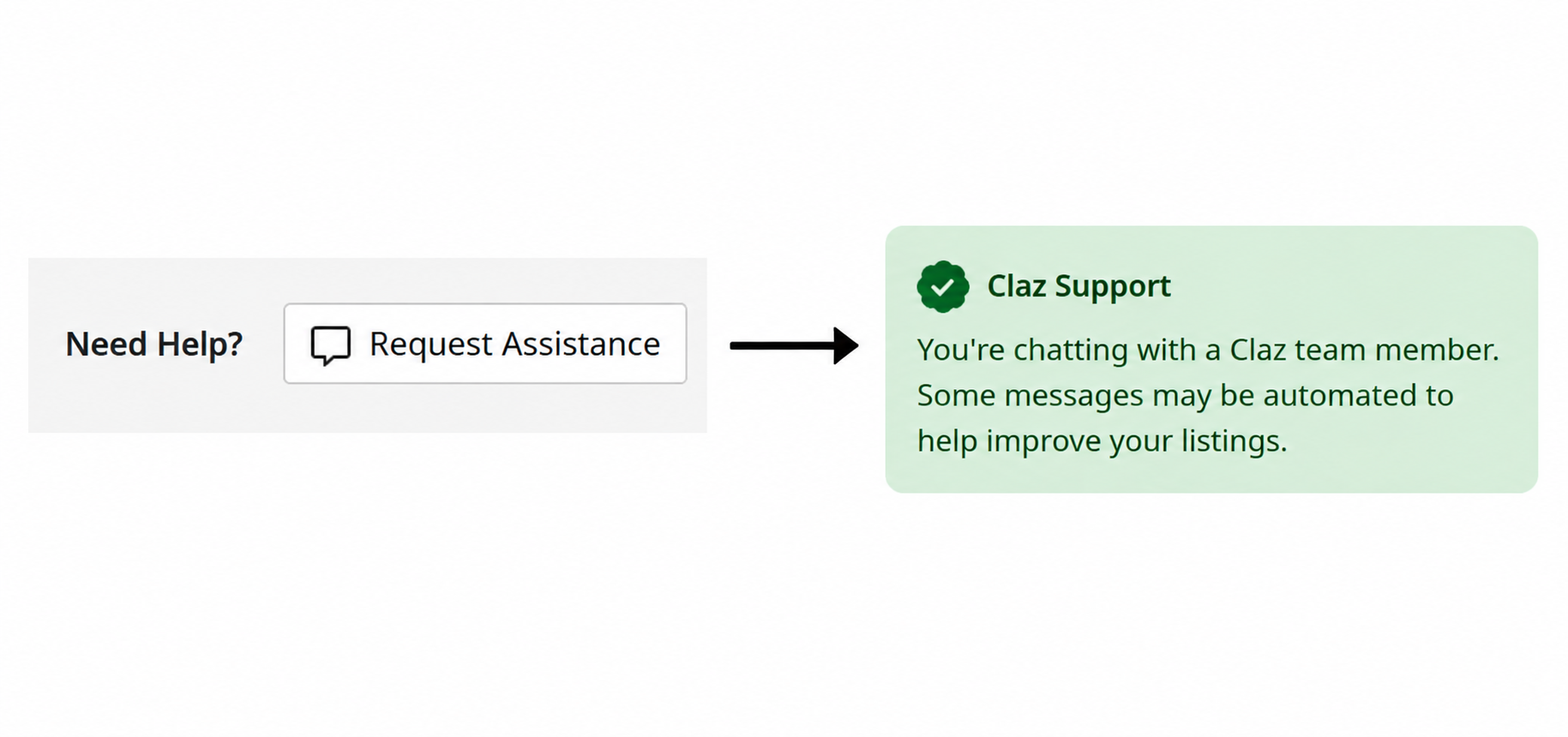
Anyone managing multiple listings can try the new page and share what still feels clunky – through support or the usual feedback channel.

 Claz Blog